

Media servers have become essential for streaming personal content, but most popular options come with subscription fees and privacy concerns. Many users want complete control over their media without depending on external services or paying for premium features.
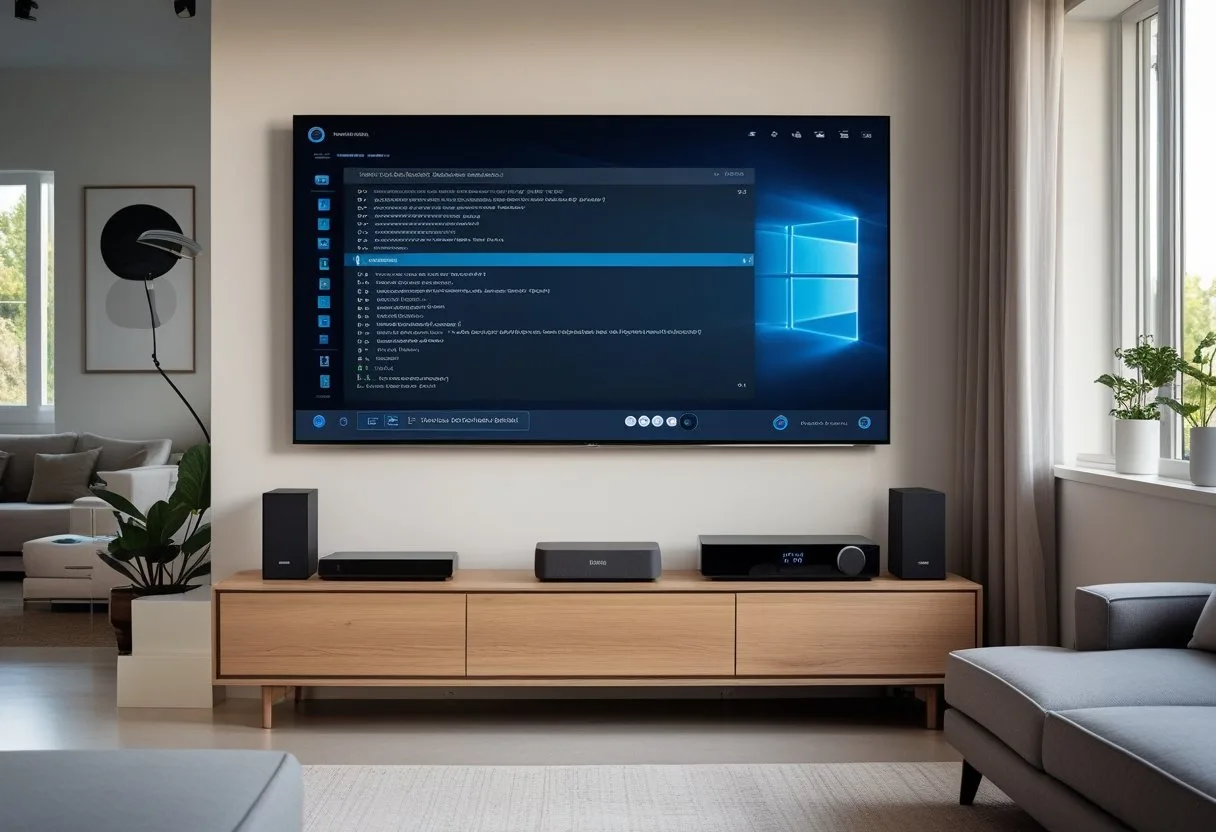
Jellyfin stands out as the best open-source media server because it offers complete freedom from subscriptions, works entirely offline, and provides all advanced features without cost. Unlike competitors that require monthly fees for hardware transcoding or force users to create accounts on external servers, Jellyfin is completely free and operates independently from third-party services.
This open-source solution delivers professional-grade media streaming with support for virtually every device and platform. Users get access to hardware transcoding, live TV capabilities, and extensive customization options that typically cost extra with other media servers.
Key Takeaways
- Jellyfin provides all premium features completely free without requiring subscriptions or external account creation
- The platform supports extensive device compatibility and offers flexible installation options across multiple operating systems
- Advanced capabilities include hardware transcoding, live TV integration, and comprehensive media management tools
What Is Jellyfin and What Makes It Unique?

Jellyfin stands out as a completely free and open-source media server that puts users in full control of their media libraries. Its community-driven development and privacy-focused approach distinguish it from commercial alternatives like Plex.
Overview of Jellyfin as an Open-Source Media Server
Jellyfin is a free, open-source media server solution that allows users to store, organize, and stream their personal media collections across multiple devices. The platform handles movies, TV shows, music, and photos without any subscription fees or feature limitations.
The software runs on various operating systems including Windows, macOS, Linux, and Docker containers. Users can access their content through dedicated apps on Android, iOS, Roku, Fire TV, and smart TVs.
Key technical features include:
- On-the-fly transcoding for different device compatibility
- Automatic metadata collection for movies and TV shows
- Multiple user profiles with individual watch histories
- Extensive plugin support for added functionality
Jellyfin operates entirely on local servers, ensuring that viewing habits and media libraries remain completely private. No data gets sent to external servers or third-party companies.
Community-Driven Development Model
Jellyfin’s community-driven development approach sets it apart from commercial media servers. Contributors from around the world actively work on new features, bug fixes, and compatibility improvements.
This development model means users influence the software’s direction through feedback and feature requests. Regular updates arrive without corporate restrictions or profit-driven decisions affecting development priorities.
The open-source nature allows advanced users to modify the code for specific needs. Developers can examine the entire codebase for security audits and custom implementations.
Community benefits include:
- Transparent development process
- No hidden code or proprietary restrictions
- Active forums and documentation
- Regular feature updates based on user needs
Comparison to Plex and Other Alternatives
Jellyfin differs significantly from Plex and Emby in several key areas. While Plex offers a free tier with premium features behind a paywall, Jellyfin provides all features completely free.
Feature Comparison:
| Feature | Jellyfin | Plex | Emby |
|---|---|---|---|
| Cost | Free | Free with paid premium | Free with paid premium |
| Open Source | Yes | No | No |
| Data Privacy | Fully local | Limited privacy | Limited privacy |
| Customization | Extensive | Moderate | Moderate |
| Plugin Support | Community plugins | Limited | Limited |
Plex requires account creation and internet connectivity for initial setup. Jellyfin works entirely offline once configured.
Emby started as open-source but became proprietary, leading to Jellyfin’s creation as a fork. Jellyfin maintains its commitment to remaining completely open-source.
Major Benefits of Using Jellyfin
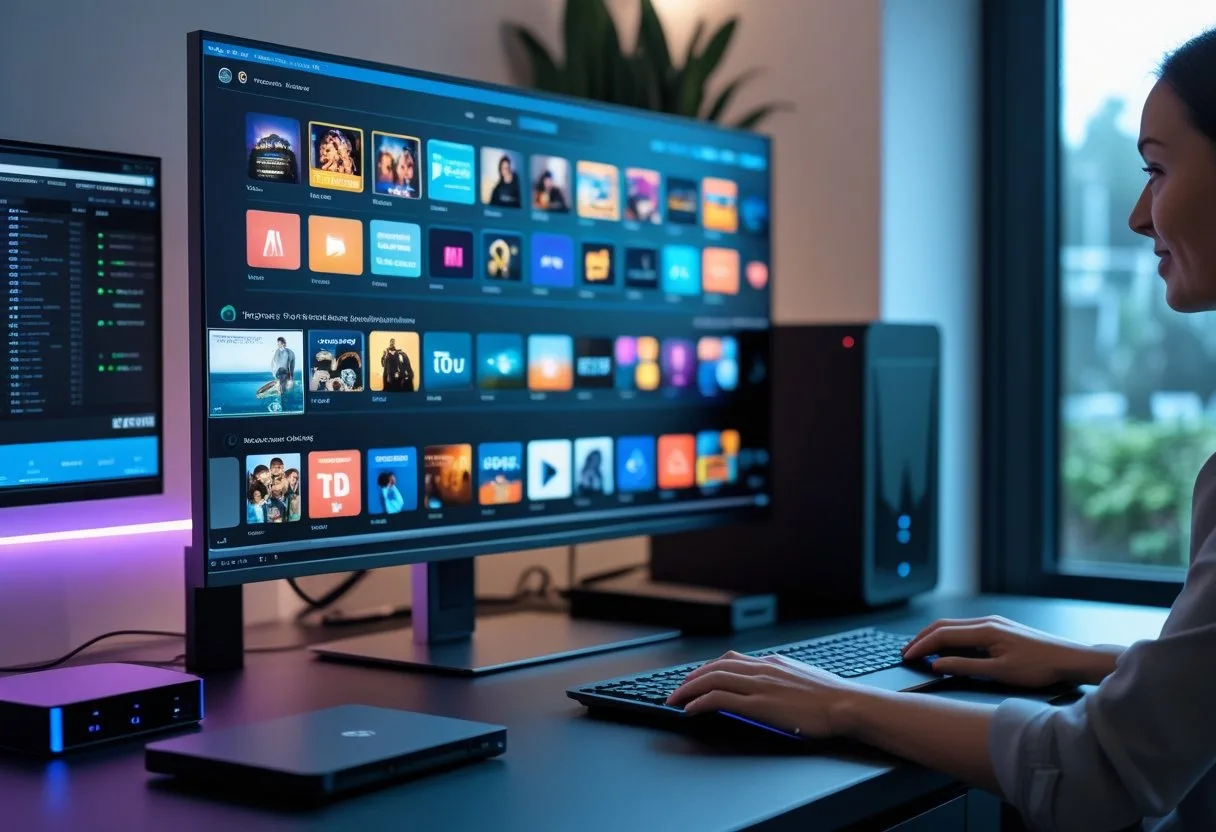
Jellyfin stands apart from competitors by offering complete freedom from subscriptions and paywalls, while maintaining full transparency through its open source design. Users get access to every feature without monthly fees or premium upgrades that limit functionality.
Completely Free Software with No Subscriptions
Jellyfin is completely free with no hidden costs or subscription requirements. Users can download, install, and run the server without paying anything.
This contrasts sharply with competitors like Plex. While Plex offers basic functionality for free, many essential features require a Plex Pass subscription. Hardware transcoding, intro skipping, offline downloads, and DVR capabilities all sit behind the paywall.
Jellyfin provides these same advanced features at no cost. Users get hardware transcoding, subtitle support, live TV integration, and mobile sync without monthly fees.
The cost savings add up quickly. A Plex Pass costs $4.99 monthly or $119.99 for lifetime access. Families running media servers for years save hundreds of dollars by choosing Jellyfin.
Transparency and User Privacy
Jellyfin’s open source nature means anyone can examine the code for security issues or privacy concerns. The community-driven development ensures no hidden data collection or tracking.
Users maintain complete control over their data. The server runs entirely on local hardware without sending information to external companies. Personal viewing habits, media libraries, and user preferences stay private.
Free software principles guide Jellyfin’s development. The project respects user freedom and never locks people into proprietary systems. Users can modify the software, contribute improvements, or fork the project if needed.
This transparency builds trust that closed-source alternatives cannot match. Users know exactly what the software does with their data and media files.
No Feature Paywalls or Restrictions
Every Jellyfin feature comes included from the start. Users get the full media server experience without artificial limitations or upgrade prompts.
Key features available immediately:
- Hardware-accelerated transcoding
- Mobile app downloads
- Live TV and DVR recording
- Plugin ecosystem access
- Multi-user management
- Subtitle and metadata support
Plex restricts many of these same features behind premium tiers. Users face constant reminders about missing capabilities and upgrade suggestions throughout the interface.
Jellyfin displays only content stored on the user’s server, avoiding the bloat of promoted content or streaming service integration. This keeps the interface clean and focused on personal media collections.
The unrestricted approach means users can explore every capability without worrying about subscription renewals or feature removals.
Supported Platforms and Installation Flexibility
Jellyfin works on all major operating systems and offers cross-platform support that makes it accessible to users regardless of their preferred system. The installation process remains straightforward across different platforms, with Docker containers providing additional deployment options.
Cross-Platform Support: Windows, macOS, Linux, and Docker
Jellyfin runs natively on Windows, macOS, and Linux systems. Users can install the media server on their preferred operating system without compatibility issues.
Windows users can download the installer directly from the official website. The installation wizard guides users through the setup process with clear instructions.
macOS support includes both Intel and Apple Silicon processors. The application integrates well with macOS security features and runs smoothly on modern Mac systems.
Linux distributions receive extensive support through multiple installation methods. Users can choose from:
- Debian/Ubuntu: APT packages
- Fedora/CentOS: RPM packages
- Arch Linux: AUR packages
- Generic Linux: Portable binaries
Docker containers offer the most flexible deployment option. System administrators can easily manage Jellyfin installations using container orchestration tools like Docker Compose or Kubernetes.
Simple Setup and Configuration Process
The initial setup process takes less than 30 minutes on most systems. New users complete the installation through a web-based interface that walks them through essential configuration steps.
Basic configuration includes setting up media libraries, user accounts, and network access. The interface uses simple language and provides helpful tooltips for technical settings.
Advanced users can modify configuration files directly for custom setups. The system stores settings in standard locations that remain consistent across platforms.
Network configuration automatically detects optimal settings for most home networks. Users only need manual configuration for complex network setups or remote access requirements.
The setup wizard handles transcoding settings automatically based on hardware detection. Users can adjust these settings later if needed for specific performance requirements.
Core Features and Media Management Capabilities
Jellyfin delivers comprehensive media organization through automated metadata retrieval, extensive plugin support for enhanced functionality, and granular user management controls. These features work together to create a robust media solution that adapts to different household needs.
Media Organization and Metadata Handling
Jellyfin automatically organizes media libraries by scanning designated folders and retrieving detailed information about movies, TV shows, music, and photos. The open-source media server pulls metadata from multiple databases including TheMovieDB, TheTVDB, and MusicBrainz.
Users can create separate libraries for different content types. Each library maintains its own organization structure and metadata sources.
Key Organization Features:
- Automatic poster and backdrop downloads
- Episode tracking for TV series
- Album artwork and artist information
- Photo face recognition and date sorting
The system supports custom naming conventions and folder structures. Users can manually edit metadata when automatic detection fails.
Supported Media Formats:
- Video: MP4, MKV, AVI, MOV, WEBM
- Audio: MP3, FLAC, AAC, OGG, WAV
- Images: JPEG, PNG, GIF, WEBP, TIFF
Extensibility with Plugins
The plugin system extends Jellyfin’s core functionality through community-developed additions. Users can install plugins directly from the dashboard without server downtime.
Popular plugins include subtitle downloaders, anime metadata providers, and theme music players. The media server platform supports both official and third-party plugin repositories.
Essential Plugin Categories:
- Metadata: Enhanced data sources for specific content types
- Subtitles: Automatic subtitle downloading and synchronization
- Notifications: Real-time alerts for new content additions
- Themes: Custom interface designs and layouts
Plugin installation requires administrator privileges. Some plugins need server restarts to activate properly.
User Profiles and Permissions
Jellyfin supports multiple user accounts with customizable access controls. Administrators can create profiles for family members, friends, or guests with different permission levels.
Each user profile maintains separate watch history, favorites, and playback preferences. The media management system tracks viewing progress across all devices.
Permission Controls:
- Library access restrictions
- Administrative function limits
- Streaming quality limitations
- Content rating filters
Parents can enable content filtering based on movie ratings and TV content advisories. Users can also set viewing schedules and time limits for child accounts.
Profile Features:
- Individual watch lists and recommendations
- Custom homepage layouts
- Personal subtitle and audio preferences
- Cross-device sync for playback positions
The system supports guest accounts with temporary access. These accounts automatically expire after set time periods.
Streaming Experience and Device Compatibility
Jellyfin delivers flexible streaming capabilities through web browsers and dedicated apps, though users may need to configure remote access manually. The platform supports various devices through official and third-party applications, with some limitations on certain platforms like gaming consoles.
Remote Access and Remote Streaming Options
Jellyfin provides free remote streaming capabilities, but setting up remote access requires more technical knowledge compared to commercial alternatives. Users must configure their own networking solutions to stream outside their home network.
The platform offers several remote access methods:
- Direct IP connection through router port forwarding
- Dynamic DNS setup for changing IP addresses
- Reverse proxy configuration for enhanced security
Unlike subscription-based services, Jellyfin handles all streaming through the user’s own server infrastructure. This approach provides complete control over data and streaming quality.
Remote streaming performance depends on the user’s upload bandwidth and server hardware capabilities. Users can adjust transcoding settings to optimize streaming for different network conditions.
Native Apps for Smart TVs, Mobile Devices, and Streaming Sticks
Jellyfin offers official apps for major mobile platforms including Android and iOS. The mobile apps provide basic streaming functionality with intuitive interfaces for browsing media libraries.
Smart TV support varies by manufacturer:
- Samsung Tizen TVs have official app support
- LG webOS requires sideloading or third-party solutions
- Android TV devices support the official Jellyfin app
Mobile apps include essential features like remote control functionality and basic media playback. However, Jellyfin’s mobile apps do not offer native offline downloading capabilities like some commercial alternatives.
Third-party apps like Infuse Pro provide enhanced functionality on iOS devices. These apps often offer better performance and additional features compared to official clients.
Integration with Roku, Fire TV, and Other Clients
Roku integration works through the official Jellyfin channel available in the Roku Channel Store. The Roku app provides full access to media libraries with support for direct play and transcoding when needed.
Fire TV compatibility comes through the official Amazon Appstore application. Fire TV devices handle most common video formats without requiring transcoding, providing smooth playback experiences.
Gaming console support presents challenges. Xbox has limited app availability, while PlayStation users must rely on web browser access for streaming.
Web browser compatibility remains universal across devices. Any device with a modern web browser can access the full Jellyfin interface without requiring dedicated app installation.
Third-party clients expand device compatibility significantly. Popular options include Kodi add-ons and media player applications that support Jellyfin’s streaming protocols.
Advanced Features: Transcoding, Live TV, and DVR
Jellyfin offers free hardware transcoding for all users without requiring a subscription. The platform supports live television through various tuners and includes full DVR capabilities for recording broadcasts.
Free Hardware Transcoding Support
Jellyfin provides hardware transcoding at no cost, unlike competing platforms that charge for this feature. Users can leverage their graphics cards to convert videos efficiently without paying monthly fees.
The transcoding feature works with multiple hardware acceleration methods. Intel Quick Sync, NVIDIA NVENC, and AMD VCE all integrate seamlessly with Jellyfin servers.
Hardware transcoding reduces CPU usage significantly during media playback. This allows the server to handle multiple simultaneous streams without performance issues.
Supported Hardware Acceleration:
- Intel Quick Sync Video
- NVIDIA NVENC
- AMD Video Coding Engine (VCE)
- Video Acceleration API (VA-API)
The setup process requires enabling hardware acceleration in the server settings. Users must install proper drivers for their graphics hardware before activation.
Live TV Support with TV Tuners
Jellyfin supports live television through compatible tuners including HDHomeRun devices and M3U playlists. The platform detects HDHomeRun tuners automatically in most configurations.
Compatible TV Tuner Types:
- HDHomeRun network tuners
- M3U IPTV playlists
- Additional tuners via plugins
Users must configure program guide data after connecting their tuner hardware. The system supports Schedules Direct for US and Canada users, plus XMLTV format files.
M3U playlist support enables IPTV channel integration. This feature allows users to add internet-based television streams directly into their Jellyfin interface.
Docker installations require host networking mode for HDHomeRun devices. This configuration allows Jellyfin to access the changing UDP ports these tuners use.
DVR Functionality for Recording Broadcasts
The DVR system works with any configured live TV tuner to record television programs. Users can schedule recordings through the web interface or mobile apps.
Recording management includes series scheduling and conflict resolution. The system automatically handles overlapping recordings when multiple tuners are available.
DVR Features:
- Manual and series recording schedules
- Recording conflict detection
- Automatic episode management
- Post-processing options
Recorded content appears in the regular media libraries alongside other video files. Users can organize recordings into separate libraries or mix them with existing collections.
Storage requirements depend on recording quality and duration. The system allows custom recording profiles to balance file size with video quality.
Frequently Asked Questions
Jellyfin offers free hardware transcoding, complete open-source transparency, and works across multiple platforms without subscription fees. The media server provides extensive customization through plugins while maintaining user privacy through local hosting and community-driven development.
What features distinguish Jellyfin from other media servers like Plex and Emby?
Jellyfin offers free hardware transcoding while Plex requires a paid subscription for the same feature. Users can utilize graphics cards or integrated graphics for on-the-fly media conversion without additional costs.
The platform provides live TV support and DVR functionality at no charge. Jellyfin works with any compatible TV tuner, unlike Plex which requires verified hardware and a paid subscription.
Jellyfin maintains an open-source approach with all code available on GitHub for modification and improvement. Plex operates as closed-source software without public code access.
The media server focuses on user content rather than external recommendations. Jellyfin processes suggestions locally without promoting third-party content or advertisements.
How does Jellyfin ensure user privacy and data security compared to its competitors?
Jellyfin operates entirely on local servers without routing traffic through external company servers. All data processing happens within the user’s network, maintaining complete control over personal media libraries.
The open-source nature allows users to review and modify security implementations. Community developers can identify and fix vulnerabilities quickly through transparent code access.
No user data gets collected for advertising or analytics purposes. Jellyfin generates recommendations locally without sending viewing habits to external servers.
Users maintain full ownership of their media server without dependence on commercial company policies. The platform cannot impose new restrictions or fees through mandatory updates.
What are the device compatibility and platform support options available with Jellyfin?
Jellyfin works on modern web browsers across different operating systems including Windows, Linux, and macOS. Users can access their media through standard browser interfaces.
Mobile app support remains limited compared to commercial alternatives. Third-party applications like Infuse provide enhanced functionality for iOS and other platforms.
Gaming console support varies by platform. The Xbox app recently received updates after years without maintenance, while PlayStation users rely primarily on web browser access.
Smart TV compatibility depends on community-developed applications. Apple TV users need third-party apps since no official Jellyfin application exists for the platform.
Can you detail the customization options and plugin ecosystem in Jellyfin?
Jellyfin provides extensive customization through its open-source architecture. Users can modify server behavior, interface elements, and core functionality through direct code access.
The plugin system allows third-party developers to extend server capabilities. Plugins can add new media sources, enhance transcoding options, or integrate external services.
Theme customization lets users change the web interface appearance. Custom CSS modifications enable personalized layouts and color schemes across all connected devices.
Metadata providers can be configured for specific content types. Users control how movie information, artwork, and episode details appear in their libraries.
How does Jellyfin’s performance compare to commercial media servers in handling large media libraries?
Jellyfin handles large media collections effectively through efficient database management and indexing systems. The server scans and organizes thousands of media files without performance degradation.
Hardware transcoding support enables smooth streaming of high-resolution content. Free GPU acceleration helps maintain quality while reducing server processing loads.
Memory usage remains optimized for systems with limited resources. Jellyfin operates efficiently on lower-end hardware compared to resource-intensive commercial alternatives.
Database performance scales with proper server configuration. Users can optimize settings for their specific hardware and library sizes without software limitations.
What are the options for remote access and streaming with Jellyfin, and how do they compare to other solutions?
Remote access requires manual network configuration including dynamic DNS setup and reverse proxy management. Users need technical knowledge to establish reliable external connections.
Port forwarding through router settings enables basic remote streaming. Advanced users can implement secure HTTPS access through domain configuration and SSL certificates.
The setup process demands more technical expertise compared to commercial solutions that provide automatic remote access. Users must handle IP address changes and network security independently.
VPN connections offer secure remote access alternatives. Users can connect to their home networks through VPN services to access Jellyfin servers safely.