

3D modeling software often intimidates newcomers with complex interfaces and steep learning curves. Many artists struggle with traditional programs that prioritize technical complexity over user experience, making creative work feel more like solving puzzles than bringing ideas to life.
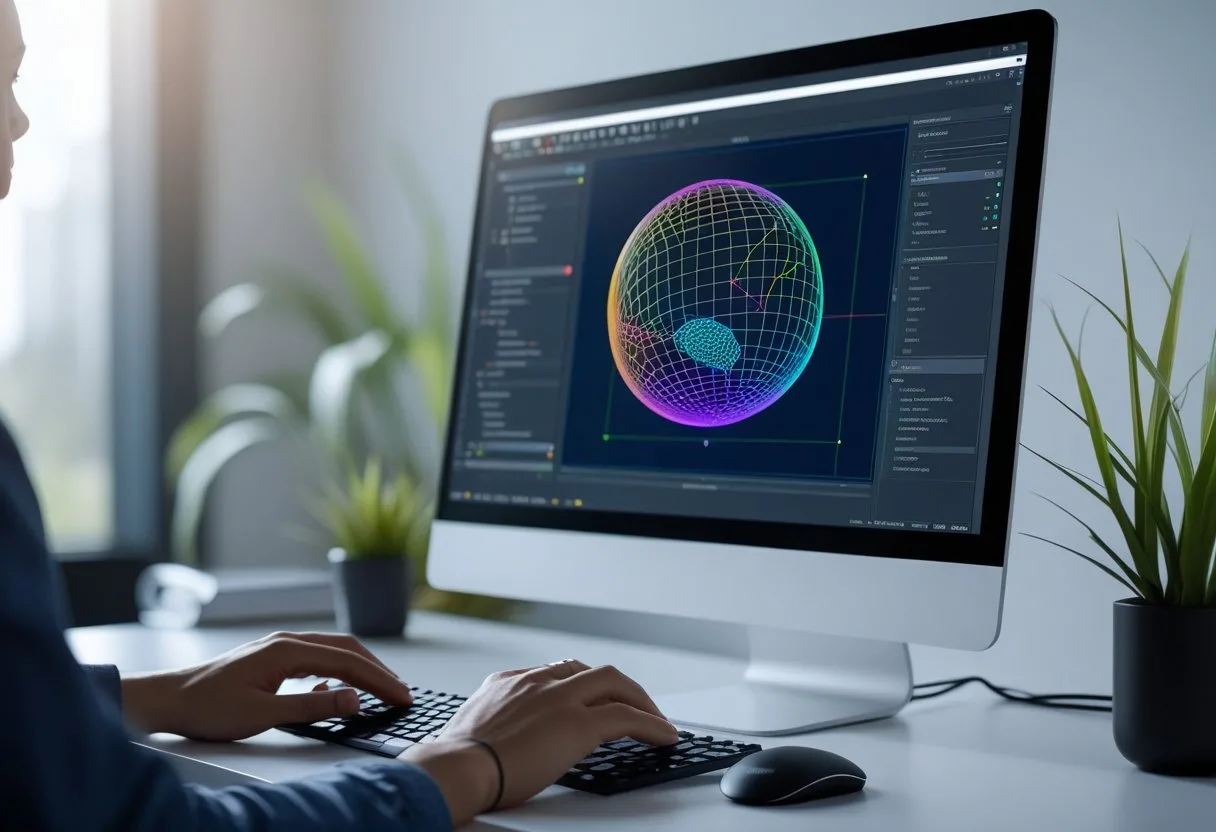
Bforartists eliminates these barriers by redesigning the entire user experience around artist-friendly workflows. Bforartists transforms 3D modeling from a technical challenge into an intuitive creative process through its streamlined interface, discoverable tools, and user-centered design philosophy. This approach allows artists to focus on their creative vision instead of memorizing keyboard shortcuts and navigating confusing menus.
The software maintains full compatibility with industry-standard tools while removing the friction that slows down creative work. Artists can jump between projects seamlessly, access tools through clear visual interfaces, and spend more time modeling and less time troubleshooting their workflow.
Key Takeaways
- Bforartists replaces complex keyboard-driven workflows with an intuitive graphical interface that makes tools easy to discover and use
- The software provides a complete 3D pipeline from modeling to rendering while maintaining full compatibility with industry standards
- Artists can focus on creativity rather than technical obstacles through streamlined workflows and user-friendly design choices
Core Principles of Bforartists
Bforartists operates on two fundamental principles that distinguish it from traditional 3D software: redesigning the user experience for artists and maintaining full compatibility with Blender’s powerful capabilities. These principles shape every aspect of the software’s development and interface design.
Bforartists Versus Blender
Bforartists originated as a fork of Blender with a specific mission to improve the user experience. The software retains all of Blender’s core functionality while completely redesigning how users interact with the tools.
The key differences focus on interface accessibility. Bforartists features streamlined menus and customizable toolbars that make navigation more intuitive. The default keymap combines minimal Blender shortcuts with industrial shortcuts in a simple, ergonomic layout.
Context-sensitive panels adapt to the user’s current workflow. This means the interface shows relevant tools when needed instead of overwhelming users with options. The redesigned approach removes complexity without sacrificing power.
Artists can access the same modeling, sculpting, and animation capabilities found in Blender. The difference lies in presentation rather than functionality. Tools appear in logical locations with clear labels and organized groupings.
Philosophy Behind the User-Friendly Approach
The name Bforartists stands for “Be For Artists” – a direct statement about the software’s priorities. This philosophy serves as a reminder to develop for the user, not the programmer.
The development team focuses on lowering barriers to entry for 3D creation. They redesign complex workflows into accessible processes that beginners can understand. Advanced users benefit from faster access to frequently used tools.
The user-friendly interface aims to make 3D modeling more approachable for artists who find traditional software intimidating. Every interface decision prioritizes clarity over technical complexity.
This 3d suite includes extensive documentation and tutorials designed for artists rather than programmers. The community actively provides feedback that shapes new features and improvements. Development decisions always consider how changes will affect the artist’s creative process.
User-Friendly Interface and Workflow
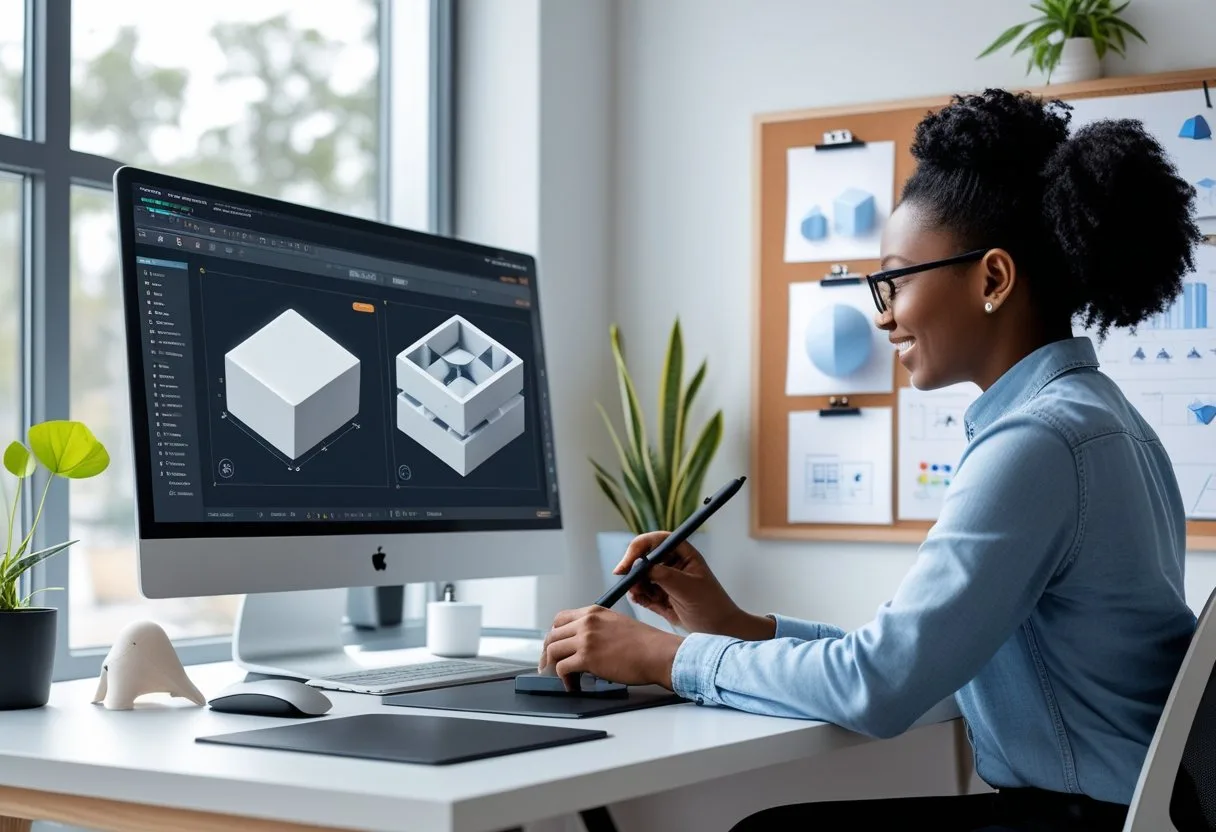
Bforartists transforms the complex world of 3D modeling through its redesigned interface that prioritizes accessibility and efficiency. The software features streamlined navigation controls, reorganized menus with clear iconography, and flexible workspace layouts that adapt to different stages of the 3D art pipeline.
Streamlined Navigation and Customization
Bforartists offers a more approachable experience with its simplified navigation system that eliminates many of Blender’s traditional complexities. The software introduces mouse-exclusive 3D navigation, allowing users to move around their scenes without memorizing keyboard shortcuts.
The default keymap reduces hotkeys to only essential functions. This approach removes the steep learning curve that intimidates newcomers to 3D modeling.
Artists can customize their workspace through intuitive drag-and-drop panels. The interface adapts to individual workflows without requiring extensive technical knowledge.
Key Navigation Features:
- Mouse-only viewport navigation
- Reduced hotkey dependency
- Customizable panel layouts
- Simplified tool access
Menu Organization and Iconography
The user-friendly interface reorganizes Blender’s menu structure into logical categories that match how artists think about their work. Each tool displays with clear visual icons rather than text-only labels.
Menu items group by function rather than technical classification. Modeling tools appear together, animation controls cluster in dedicated areas, and rendering options occupy their own space.
The iconography system uses recognizable symbols that communicate tool purposes at a glance. Artists spend less time hunting through menus and more time creating.
Interface Improvements:
- Visual icons for all major tools
- Grouped functionality by workflow stage
- Consistent menu organization
- Reduced menu depth
Workspace Layouts
Bforartists provides comprehensive tools for the complete 3D art pipeline through specialized workspace layouts. Each workspace optimizes panel arrangements for specific tasks like modeling, sculpting, or animation.
The Modeling workspace places frequently used tools in easily accessible locations. Edge loops, extrusion controls, and modifier panels appear prominently without cluttering the viewport.
Animation workspaces reorganize the interface to emphasize timeline controls and keyframe management. The layout reduces the back-and-forth switching between different interface areas.
Artists can create custom workspaces that match their specific project needs. The system saves these configurations automatically for future use.
3D Modeling Features Made Easy
Bforartists transforms complex 3D modeling tasks into manageable processes through streamlined tools and an improved interface. The software provides comprehensive polygon modeling capabilities, advanced sculpting features, and simplified texturing workflows that reduce learning curves for new users.
Intuitive Modeling Tools
Bforartists offers extensive polygon modeling tools that support various mesh creation techniques. Users can work with traditional polygons, curves, and metaballs through a redesigned interface that prioritizes accessibility.
The software includes Ngon support across many modeling tools. This allows artists to work with faces containing more than four vertices without technical limitations.
Key modeling features include:
- Polygon mesh editing tools
- Curve-based modeling workflows
- Metaball creation and manipulation
- Python scripting for automation
The toolbar system provides quick access to frequently used modeling commands. Artists no longer need to search through multiple menu levels to find essential tools.
Mirror functionality speeds up symmetrical modeling tasks. Users can edit one side of their model while automatically updating the opposite side.
Weight painting tools integrate directly into the modeling workflow. This eliminates the need to switch between different editing modes constantly.
Sculpting Capabilities
Modern 3D workflows require robust sculpting tools for adding fine details to meshes. Bforartists includes various brush types for different sculpting needs.
Multi-resolution sculpting allows artists to work at different detail levels. They can rough out basic shapes at low resolution then add intricate details at higher subdivisions.
Dynamic topology sculpting automatically adjusts mesh density during the sculpting process. Areas receiving more detail gain additional geometry while untouched regions remain optimized.
The software supports mirrored sculpting across multiple axes. Artists can sculpt symmetrical characters and objects efficiently without manual duplication work.
Brush customization options provide control over:
- Stroke patterns and spacing
- Pressure sensitivity settings
- Texture-based detail application
- Falloff curves for natural transitions
Texturing Simplification
UV mapping processes become more straightforward through Bforartists’ streamlined texturing tools. The software provides multiple projection methods for different object types.
Automatic unwrapping uses conformal and angle-based algorithms to project 3D surfaces onto 2D texture space. Artists can define edge seams and pin vertices for better control over the unwrapping process.
Multiple UV layers support complex texturing scenarios. Objects can have separate UV coordinates for different material properties like diffuse color and normal maps.
The node-based material system uses visual programming for material creation. Artists connect nodes instead of writing code to achieve complex material effects.
Direct painting capabilities allow texturing directly on 3D models. Artists can paint colors, details, and corrections while viewing results in real-time on the mesh surface.
UV layout export generates template images for external painting applications. This bridges workflows between Bforartists and specialized texturing software.
Animation and Rigging Essentials
Bforartists provides streamlined animation tools that make character movement creation more intuitive for artists. The software includes simplified rigging workflows and specialized features for creating game-ready animations.
Accessible Animation Tools
Bforartists removes many of the complexity barriers found in traditional 3D animation software. The interface presents animation controls in a logical layout that artists can understand quickly.
The timeline and keyframe editors use clear visual indicators. Artists can see their animation progress without hunting through multiple menus. Playback controls sit prominently in the main interface.
Curve editors display animation data in graphs that make sense. Users can adjust timing and spacing by dragging points directly on the curves. The software shows real-time previews as artists make changes.
Animation layers help organize complex character movements. Artists can separate facial animation from body movement. This keeps the workspace clean and manageable.
Rigging Workflow
Getting started with armatures in Bforartists shows clear differences from other software in terms of usability. The rigging process uses visual guides that help artists place bones correctly.
Bone creation follows a straightforward point-and-click method. Artists select start and end points for each bone. The software automatically calculates proper joint rotations.
IK chains set up quickly through simple selection tools. Artists pick the chain start and end points. Bforartists handles the complex math behind inverse kinematics.
Weight painting tools show bone influence through color coding. Red areas indicate strong influence while blue areas show weak influence. This visual feedback helps artists create smooth deformation.
Animation for Game Graphics
Game animation requires specific technical considerations that Bforartists addresses directly. The software exports animations in formats that game engines accept without conversion issues.
Frame rate controls let artists work at standard game speeds like 30 or 60 fps. Export settings maintain these frame rates during the output process. Game developers receive animations that work immediately.
Loop creation tools help build repeating animations like walk cycles. Artists can preview loops before export to check for smooth transitions. The software highlights potential seam problems.
File size optimization keeps animations within game engine limits. Bforartists can reduce keyframe density without losing visual quality. This creates smaller files that load faster in games.
Rendering and Output Options
Bforartists provides powerful rendering capabilities through two distinct engines and a comprehensive node-based material system. Users can choose between real-time and photorealistic rendering workflows depending on their project requirements.
Integrated Rendering Engines
Bforartists includes two rendering engines that serve different purposes in the 3D production pipeline. The Cycles engine handles offline rendering with both GPU and CPU support for high-quality final images.
Cycles Engine Features:
- GPU and CPU rendering options
- HDR lighting support
- Real-time viewport preview
- Photorealistic output quality
The Eevee engine provides real-time rendering capabilities. This engine allows artists to see immediate results while working on their projects.
Eevee Engine Benefits:
- Fast rendering speeds
- Real-time viewport feedback
- Game asset preview capability
- Interactive material editing
Artists can switch between engines based on their workflow needs. Eevee works well for quick previews and game development. Cycles delivers final-quality renders for animations and still images.
Material Editing and Node System
Bforartists features a node-based material system that uses visual programming for material creation. This system eliminates the need for complex coding when building materials.
The node editor connects different material properties through visual links. Users drag and drop nodes to create complex material effects. Common nodes include texture inputs, color mixing, and surface properties.
Material System Advantages:
- Visual programming approach
- No coding required
- Real-time preview updates
- Extensive node library
Bforartists includes an extended material library with pre-built materials. The library ranges from basic image setups to complex ocean shaders. This saves time during the material creation process.
Artists can modify existing materials or build new ones from scratch. The system supports multiple material layers and complex shader networks for advanced effects.
Accessibility, Community, and Development
Bforartists operates as a federation of independent developers working on a volunteer basis to make 3D creation more accessible. The project emphasizes open-source values, community-driven support, cross-platform availability, and transparent development through GitHub.
Open-Source Philosophy
Bforartists follows the GNU General Public License (GPL) V3, making it completely free for any use. Artists can use the software for commercial projects, education, or personal work without paying licensing fees.
The development team takes a pragmatic approach to the GPL license. They aim to bend it where needed while keeping user needs as the top priority.
Core Principles:
- Free access to all features
- No commercial restrictions
- Community-driven improvements
- User-focused development decisions
The Bforartists philosophy centers on providing easy-to-learn 3D creation tools for hobbyists and small indie developers. This approach differs from software designed primarily for large studios or technical users.
Community Support and Resources
The Bforartists community provides multiple support channels for users at all skill levels. Documentation, tutorials, and user assistance form key parts of the project.
Available Resources:
- Community wiki with technical guides
- Video tutorials for beginners
- User forums for troubleshooting
- Moderator-assisted help channels
New users can find step-by-step learning materials that match the software’s simplified interface design. The community focuses on helping artists rather than requiring deep technical knowledge.
Active community members help other users solve problems and share techniques. This peer-to-peer support system reduces barriers for people new to 3D modeling.
Download and Platform Compatibility
Bforartists works across different operating systems without platform-specific limitations. Users can download the software from the official website and start using it immediately.
Supported Platforms:
- Windows
- macOS
- Linux distributions
The cross-platform design means artists can work on their preferred operating system. File compatibility remains consistent across different platforms.
Installation requires no complex setup procedures or additional software purchases. The download includes all necessary components for the complete 3D pipeline.
Contributions via GitHub
The Bforartists GitHub repository serves as the central hub for development activities. Programmers, documentarians, and other contributors can participate in improving the software.
Contribution Areas:
- Code development and bug fixes
- Documentation writing and editing
- Tutorial creation and review
- User interface improvements
The project needs programmers to work on core functionality and new features. Documentation contributors help fill the wiki with useful content for users.
GitHub provides transparency in development decisions and bug tracking. Users can report issues, suggest features, and see progress on improvements.
Community members can contribute without advanced programming skills. Tasks include writing tutorials, testing new versions, and helping moderate user discussions.
Frequently Asked Questions
Users often wonder about the interface differences from Blender and whether beginners can start without prior experience. Common concerns include system requirements and tutorial availability for learning the software.
What are the main differences in the user interface between Bforartists and Blender?
Bforartists features a user-friendly interface designed to be intuitive and easy to navigate. The software includes customizable layouts and workflows that suit individual preferences.
The interface removes much of Blender’s complexity while keeping essential functionality. Bforartists uses clearer icons and menu structures that make tools easier to find.
The default keymap combines minimal Blender hotkeys with Industrial keymap features. Users can display simple hotkeys from the Property Shelf in the 3D Editor’s View tab.
The software shows hotkey overlays directly in the viewport. This feature helps users learn shortcuts without leaving their workspace.
Can Bforartists be used by beginners with no prior experience in 3D modeling?
Bforartists offers a welcoming environment for artists of all skill levels. The interface design makes it accessible to complete beginners.
The software includes basic modeling tools like extrusion and subdivision. These tools provide a foundation for learning fundamental 3D modeling concepts.
Beginners can start with simple projects and gradually explore advanced features. The intuitive design reduces the learning curve compared to other 3D software.
What are the minimum system requirements to run Bforartists smoothly on a PC?
Bforartists is compatible with Windows, macOS, and Linux operating systems. The software runs on desktop computers, laptops, and workstations.
As a Blender fork, Bforartists has similar system requirements to modern Blender versions. Users need a 64-bit operating system for optimal performance.
A dedicated graphics card improves rendering and viewport performance. At least 8GB of RAM helps with complex models and scenes.
How does Bforartists ensure the safety and security of the download process?
Bforartists is an open-source software project with freely available source code. Users can download, modify, and distribute the software legally.
The community-driven development model involves volunteers and contributors worldwide. This transparency helps maintain security standards.
Users should download Bforartists from official channels to ensure file integrity. The open-source license allows independent security audits of the code.
Where can users find comprehensive tutorials to learn Bforartists?
The Bforartists website provides tutorials and learning resources. These materials help users get started with basic concepts.
Online tutorials and resources make mastering Bforartists accessible for beginners and professionals. The software has comprehensive documentation available.
The Bforartists YouTube channel offers video tutorials covering the full 3D art pipeline. Videos include modeling, sculpting, texturing, and rigging lessons.
The active community shares knowledge through forums and social media platforms. Users can find support and inspiration from fellow artists.
Does Bforartists offer customisation options for more advanced users?
Bforartists provides customizable layouts and workflows for individual preferences. Advanced users can modify the interface to match their needs.
The software includes a node-based material editor for complex materials. Users can create procedural textures, shaders, and effects with this system.
Advanced features include sculpting brushes, particle systems, and dynamic topology tools. These options give experienced users professional-level capabilities.
The open-source nature allows advanced users to modify the source code. This flexibility enables custom tools and workflow improvements.