
Images often lose their sharpness and quality when resized, leaving them looking pixelated or blurry. An image upscaler uses AI technology to increase the size and resolution of pictures without making them look distorted or unclear. This tool is especially useful for improving old photos, making social media images stand out, or preparing graphics for print.
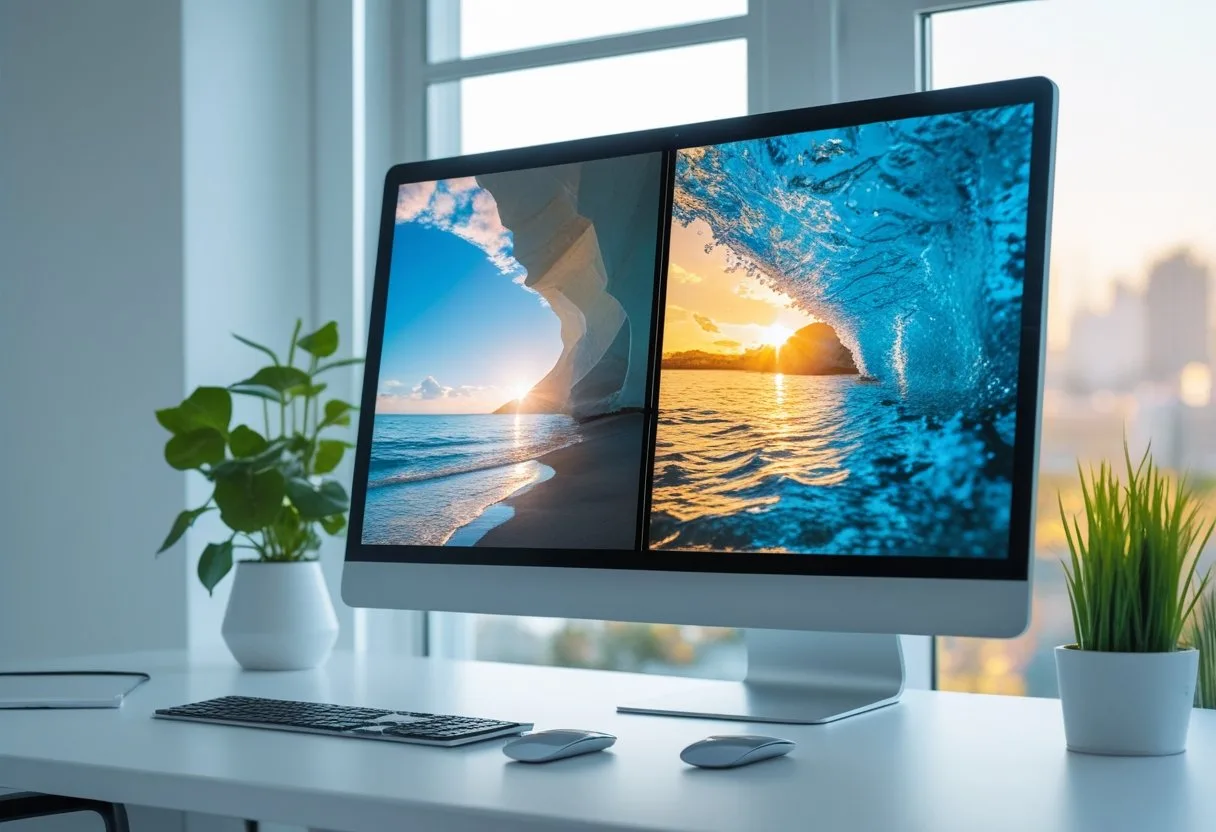
Today, free online image upscalers like iLoveIMG and ImgUpscaler make it easy to enhance photo quality in just a few clicks. Many of these tools use advanced algorithms to restore missing details, giving clear and crisp results for both personal and commercial projects.
Key Takeaways
- Image upscalers use AI to improve picture quality when resizing.
- They offer quick, user-friendly solutions for various needs.
- Many upscalers provide free online access with simple editing tools.
What Is an Image Upscaler?
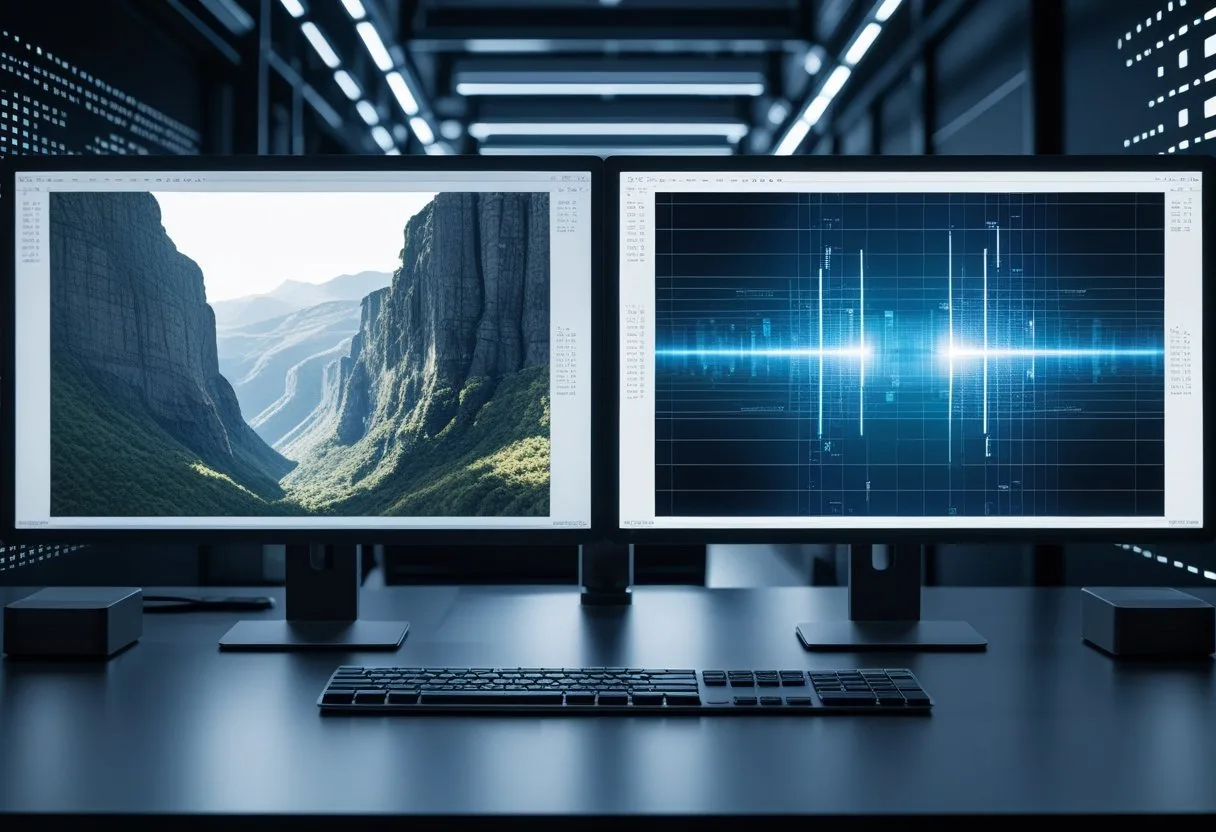
An image upscaler is a tool that increases the resolution of an image while trying to keep its quality. It is used to make small or low-resolution pictures look larger and clearer without making them look blurry or pixelated.
Definition and Purpose
An image upscaler is a software or online tool designed to enlarge images and improve their visual quality. The main goal is to increase the size of the digital image while preserving as much detail as possible.
Image upscaling is helpful for many reasons. When original pictures are too small—like old family photos, logos, or images taken with older phones—an upscaler can make them suitable for printing or sharing online.
Most image upscalers use special algorithms to guess what details are missing as they make the picture bigger. This helps prevent the stretched or blocky look that often happens with regular resizing tools.
Common Use Cases
People use image upscalers in many different areas. Here are some common uses:
- Printing: Turning small digital photos into large posters or canvas prints.
- Online Stores: Making product photos bigger for better viewing.
- Restoring Old Pictures: Improving the size and quality of scanned photos.
- Design Work: Changing the size of logos or illustrations for different projects.
- Social Media: Making images look sharp on platforms that support high resolution.
Artists and designers often use an AI image upscaler to prepare art or digital work for portfolios. E-commerce sellers may upscale product images to attract buyers by showing more detail.
In gaming, upscaled images are used for textures to fit modern screens. Even researchers sometimes need to scale up satellite or science images to analyze fine details.
Traditional vs AI-Based Upscaling
Traditional upscaling tools use simple methods like bilinear or bicubic interpolation. These copy nearby pixels to fill new spaces, often producing blurry or blocky results. Sharp lines and details are usually lost during the process.
AI-based image upscaling is more advanced. These tools use artificial intelligence to study huge amounts of images and learn the patterns that make pictures look sharp. When given a small image, the AI predicts what details should be there as it enlarges the picture.
This creates much clearer and more natural results. AI upscalers can enhance faces, remove noise, and sharpen fine lines, offering a noticeable improvement over classic upscaling. Some AI image upscalers support batch processing, letting users upscale many images at once. This helps people save time when working with lots of photos.
How Image Upscalers Work

Image upscalers use advanced tools and techniques to make images larger and sharper. They rely on careful analysis, smart algorithms, and artificial intelligence to boost resolution and improve overall image quality.
Image Analysis and Algorithms
Upscalers begin by deeply analyzing the pixels in a photo. This process checks the colors, shapes, and patterns in the image. By mapping out these details, the software learns how to fill in missing parts when scaling up.
Basic upscalers use interpolation methods, such as bilinear or bicubic interpolation. These methods estimate new pixels by blending nearby ones. However, these classic techniques often lead to blurry or pixelated results, especially in high-resolution tasks like going from a small image up to 4K. Modern upscalers, like those found in many online tools, now use more refined methods focused on keeping edges and details as clear as possible.
Upscaling Techniques
Several upscaling techniques have been used over the years. Interpolation is the simplest, but limited. More advanced methods now combine edge enhancement and noise reduction to improve clarity. Some tools use super-resolution which involves reconstructing details so that the enlarged image looks more natural and lifelike.
Today’s best image upscalers often act as image quality enhancers. They remove grain, fix jagged edges, and add detail. For example, AI-powered upscalers can turn blurry and low-res photos into sharp, high-quality images good enough for print, web, or even e-commerce listings—see how these tools deliver major improvements in image enhancement.
Role of Artificial Intelligence
AI technology, especially deep learning, has changed how upscalers work. AI upscaling relies on neural networks trained on millions of pictures. These networks learn how real-world textures should look so they can predict and add missing details when increasing resolution.
AI models run image analysis much faster and with better results than the traditional approach. Using AI, upscalers can achieve impressive super-resolution and make images sharp and vibrant even when enlarged by 400% or more. Modern AI upscalers support popular formats like JPG, PNG, WEBP, and can handle very large images, going up to 16000×16000 pixels.
With AI, the upscaler doesn’t just guess. It uses learned information to act as a true image enhancement tool, rebuilding realistic patterns and making old or damaged photos look new again. This makes AI the preferred technology for those who need to improve the quality of photos without losing original details.
Key Features of Modern Image Upscalers
Modern image upscalers have advanced due to AI technology, improved processing speeds, and user-friendly designs. These tools let users easily increase image resolution, process many images quickly, and get sharp and clear high-resolution images with minimal effort.
AI and Machine Learning Integration
Most current AI image upscalers use deep learning models to sharpen photos, reconstruct details, and remove blur. These AI systems have been trained on large datasets, so they can accurately guess missing details and textures in low-quality images.
Machine learning allows upscalers to distinguish objects, backgrounds, and faces, adding context-specific enhancements that traditional upscalers cannot match. Color tones, sharpness, and edge clarity all benefit from smart adjustments.
Some AI upscalers even provide features like photo restoration and colorization, especially helpful for old or black-and-white photos. These functions make AI image upscaling much more precise than standard resizing methods.
Resolution Enhancement
Resolution enhancement is a key function of any image upscaler. Most modern AI upscalers can increase the size of an image by 2×, 4×, or even up to 8× while keeping detail and sharpness intact.
This leads to high-resolution images that are suitable for printing, design, or web use. Improvements like cleaning up pixelation, making small pictures usable for large displays, and restoring lost image quality are common.
Some advanced tools also fix pixelated photos and improve photo resolution for both simple graphics and complex scenes. With upscaling, users regularly achieve higher resolution images without the blurriness seen in basic resizers.
Batch Processing Capabilities
Batch processing is a feature that saves time by letting users upscale many images at once. Instead of editing each photo by hand, you can run a whole folder or series of pictures through the AI upscaler with a single command.
This is helpful for professionals working with large sets, such as photographers, graphic designers, or businesses needing quick results for lots of product images.
Batch processing features often include options to set levels of upscaling, choose file formats, and apply the same quality adjustments to every image in the group. This type of batch processing capability gives users consistent results and saves a significant amount of time.
User Interface and Simplicity
A simple and clear user interface is important for making image upscaling easy to use. Many modern upscalers provide a web-based platform or easy-to-install app with drag-and-drop support, step-by-step menus, and clear options for size and resolution.
The best tools focus on reducing clutter, showing quick previews, and offering one-click enhancement buttons to make the process smooth for anyone, no matter their technical skills.
Simple user interfaces lower the barrier for entry, so both experts and beginners can get high-quality image results fast. Many include guides, tool tips, and built-in help for better usability.
Benefits of Using an Image Upscaler
AI-powered image upscalers give users tools to refine digital photos and graphics. These tools can make old, blurry, or pixelated images look clearer, sharper, and more detailed.
Improved Image Quality
Upscalers use advanced algorithms to analyze and rebuild pixels within an image. By doing this, they remove blurriness and create smoother edges on objects. This means small pictures can be made larger without looking stretched or rough.
Many users choose upscalers to improve work or school projects. Marketers, designers, and photographers often want their visuals to appear sharp and professional. For social media and websites, higher-quality images help catch attention and keep pages looking polished.
AI technology in upscalers enables them to fill in missing details that older software could not. Tools relying on deep learning offer results that are often more realistic and lifelike compared to basic resizing methods. This is especially helpful for print materials and digital displays where clear visuals matter. Using image upscalers helps content creators boost the overall quality of their visuals, making their work stand out in a crowded space learn more about improving image quality with upscalers.
Sharpness and Clarity Enhancement
Clear images are important in both personal and business projects. An image upscaler can make photos appear more crisp by focusing on sharpness and clarity. This means small details, like text on a sign or patterns on clothing, become easier to see.
Sharper images also look better when printed. For example, printing a low-resolution image often results in a blurry or pixelated product. With an upscaler, those same files can have clearer lines and edges, making them suitable for brochures, flyers, or posters.
In digital media, sharper visuals translate to a better viewing experience. Whether for a website or presentation, improved clarity makes photos and graphics look more professional. Upscalers can be especially helpful when original high-quality files are not available, letting users still achieve strong, sharp images find out about detail sharpening with AI upscalers.
Restoring Low-Resolution Images
Many people have old or small digital photos they wish looked better. Image upscalers work well for restoring low-resolution images that might have been saved from social media or found online. These tools can increase the resolution without producing extra blur or jagged lines.
This restoration process is useful for personal memories, like family photos, as well as for professional use. It allows people to reuse pictures that might not have been good enough for printing or sharing before. With the help of AI-driven technology, the missing details in a blurry or pixelated photo can be filled in, making the image look closer to its original state see how AI helps restore low-resolution photos.
Key benefits include:
- Better print results from low-quality files.
- Recovered details in faces, objects, and backgrounds.
- Expanded use of images that were once too small or low in quality for projects.
Who Can Benefit from Image Upscalers?
Image upscalers help bring low-resolution images to a higher quality by adding detail and reducing blur. The main users of these tools often need clearer, sharper visuals for specific reasons in their work and projects.
Photographers
Photographers often take images in less-than-ideal conditions, such as low light or with limited camera equipment. Sometimes, old or digitalized photographs lose sharpness and detail, making them look grainy or pixelated.
AI image upscalers offer a quick way to improve photo quality. This is useful when printing large photos, creating albums, or preparing images for clients who expect clear results. By adding details and smoothing out rough edges, these tools make photos look more professional.
Photo restoration is another key area. Photographers can use upscalers to bring old family photos or historical images back to life. Modern AI can even help fill in missing parts or enhance faded details without needing advanced editing skills.
Designers
Graphic designers need sharp, crisp images for websites, marketing materials, and print projects. Low-quality files can ruin a layout or make a brand look unprofessional. Image upscalers help designers transform small icons, logos, or backgrounds into high-resolution assets.
When working with clients, designers often receive files in poor quality. With tools like AI image upscalers, they can rescue these files and make them fit for professional use.
Designers can save time by avoiding the need to recreate graphics from scratch. Some upscalers are especially good for graphics and logos, keeping edges smooth and colors clear, as highlighted in comparisons like the 2025 image upscaler reviews.
Content Creators
Content creators, such as bloggers, video editors, and social media managers, use visuals to get attention online. Blurry or pixelated images can lower viewer engagement or make a page look untrustworthy.
AI upscalers let creators improve the quality of screenshots, thumbnails, or stock images quickly. This is important for YouTube thumbnails, Instagram posts, or e-commerce product photos, where visual clarity makes a big difference.
Clearer images help content stand out in crowded feeds. With AI upscalers, even those without technical expertise can produce high-quality images suitable for websites, videos, or printed materials, as explained in this 2025 guide to image upscaling.
Technical Aspects of Image Upscaling
Image upscaling works by making images larger while trying to keep them sharp and realistic. The process uses algorithms and artificial intelligence to improve clarity, restore lost details, and keep colors and textures consistent. Maintaining both sharpness and color accuracy is critical for quality results.
Sharpening and Detail Recovery
Sharpening is essential for any image enlarger tool. When an image is upscaled, it can become blurry or lose important edges. Advanced upscaling methods—especially those using AI—identify and enhance fine structures like hair, text, or building lines. This helps recover small details that might otherwise be lost.
Edge detection techniques find clear separation between objects in a photo and boost those areas for better clarity. Some image upscalers, such as AI-driven solutions, use deep learning to recognize patterns and reconstruct sharper edges. It is important to avoid over-sharpening, which can introduce unwanted artifacts or make an image look unnatural.
Tools like Waifu2x and other neural networks analyze the image pixel by pixel, filling in missing details and avoiding a plastic or harsh appearance. Good sharpening should improve visibility while respecting the natural look of the original image.
Preserving Colors and Textures
Preserving color and texture is just as vital as detail recovery. When scaling up, some traditional techniques cause colors to shift or textures to blur. AI-based upscalers use trained models to keep color gradients smooth and true to the source. This includes maintaining skin tones, subtle shadows, and complex patterns.
High-quality image enlargers use algorithms to analyze texture patterns and repeat them naturally across the larger version. In cases like landscapes or product images, texture preservation keeps surfaces realistic—for example, the roughness of tree bark or the weave of fabric.
Maintaining color accuracy can be achieved with upscaling tools that process multiple channels of an image separately. This care helps prevent color banding and blotches. Upscalers such as Unblurimage AI focus on both color and texture fidelity for better visual quality.
Choosing the Right Image Upscaler
Picking the right image upscaler depends on factors like how detailed you want your results, how often you plan to use the tool, and if you need free or premium features. Not every AI image upscaler works the same, so knowing what to look for can save time and give better results.
Factors to Consider
Resolution and quality are crucial. Some tools only support upscaling to a certain size (like 2x or 4x), while others can reach even higher, such as 8K. Check if the tool keeps photos sharp and clear after upscaling.
File compatibility matters, too. Make sure the image upscaler supports popular formats such as JPG, PNG, and sometimes TIFF. If you need batch processing, see if the tool lets you process many images at one time.
Speed is important for those who work with lots of images. AI image upscalers that are faster save time, especially for professional projects.
Cost is a key point. Free upscalers are good for casual users, but paid options often have better features, higher output quality, and more advanced controls. Some tools offer both free and paid plans, so users can test features before committing.
Comparing Popular Tools
AI image upscalers like Zyro, Waifu2x, and Enhance.Pho.to are known for being user-friendly and free for basic needs. These are ideal for people who do not need to upscale images often or only need simple tools.
For more demanding projects, tools like VanceAI, Deep Image, and BigJPG provide higher quality outputs and batch processing for multiple files. These often require a subscription but give more control over detail and sharpness.
Specialized apps like Clipdrop and Icons8 target creative users with extra editing and image refinement features. Some of the best options for 2025 are listed in guides such as Beebom’s top AI image upscalers and Mockey’s comparison of 15 tools.
Use the table below for a quick comparison:
| Tool Name | Free Option | Batch Processing | Detail Enhancement | Advanced Features |
|---|---|---|---|---|
| Zyro | Yes | No | Basic | Limited |
| Waifu2x | Yes | No | Good | Limited |
| Deep Image | No | Yes | Excellent | Advanced |
| VanceAI | No | Yes | Excellent | Advanced |
| Icons8 | Yes | No | Good | Extra Features |
Integration and API Access
Image upscaler tools work best when they fit smoothly into existing workflows. API access makes it possible to automate tasks and get high-quality results quickly.
Image Upscaler API Overview
An image upscaler API lets developers boost resolution and quality in digital images using efficient software endpoints. These APIs use advanced AI or machine learning models to enhance picture clarity, detail, and sharpness without causing blurriness or artifacts.
Features of a good API often include:
- Scalability: Handle both single images and bulk processing.
- Multiple formats: Support for JPEG, PNG, and other popular types.
- Flexible output: Choose different upscaling ratios (2x, 4x, even up to 16x in some services, such as the A1D Image Upscaler API).
- Speed: Quick response times for fast image delivery.
- Ease of Integration: Simple RESTful endpoints and clear documentation.
Some APIs, like the Freepik Magnific API, provide features like task tracking through unique IDs or support asynchronous processing for large jobs. This helps reduce wait times for end-users and supports real-time or scheduled image enhancement in apps.
Workflow Integration
Integrating an image upscaler API into software or websites removes manual steps and ensures consistent quality. Developers can use simple HTTP requests to send an image for upscaling and receive the improved version in return.
Most upscaler APIs, including Picsart’s API, offer features such as webhook support to notify the application once a task is complete. This supports automated workflows, like sending enhanced images straight to cloud storage or a media library.
Options like including a webhook URL, selecting the image format, and specifying output size let companies fit the upscaler into different use cases. For example, adding an upscaler to a photo editing app or batch-enhancing images for e-commerce sites becomes straightforward with these flexible API features.
Tables or dashboards can be used to monitor API usage, track tasks, and manage user workloads. This makes the process efficient for businesses that handle many images every day.
Future Trends in Image Upscaling
Recent innovations in image upscaling are changing how people work with photos and digital art. New methods are making it easier to get clear, high-quality images from small or blurry originals.
Advancements in AI Technology
The most important changes in image upscaling come from improvements in deep learning and machine learning algorithms. These systems can now recognize patterns and details in photos more accurately than older tools. For example, they can sharpen fine facial features or restore faded backgrounds with better results.
Modern AI models are trained using huge libraries of pictures. This helps the upscaler understand what different objects, faces, or scenes should look like. Some tools use batch-processing systems to work on hundreds of images at once, which is useful for businesses needing lots of photos quickly.
AI upscalers now also focus on reducing common problems, like over-sharpening or adding fake details that don’t look natural. Many online tools offer image correction features along with upscaling, making the editing process faster and more flexible. To see a list of leading tools that use these technologies, visit the top 5 AI image upscalers in 2025.
Potential Applications
AI-powered image upscaling is being used in several key areas. E-commerce sellers use these tools to make product photos look more professional and appealing. Clear pictures can lead to more sales and better customer trust.
Old photo restoration is another common use. Families and historians can bring faded or blurry memories back to life. In design and marketing, AI upscalers help produce high-resolution graphics for websites, print materials, and ads.
Even people working with scientific images, like satellite photos or medical scans, use upscaling to see details that would be hard to notice otherwise. Demand for these solutions is growing quickly across different industries, and the AI image upscaler market is set to expand as more sectors adopt this advanced technology.
Frequently Asked Questions
Image upscaling can improve the quality and clarity of digital images. Using the right tools and understanding the process helps users get the best results for tasks like enlarging photos, restoring detail, or preparing images for print.
What are the best free image upscaling tools available online?
Several reliable free tools let users upscale images directly in their browser. Services like ResizeImage.io, PicUpscaler, and Nimje offer easy-to-use interfaces and quick processing. Many of these tools are accessible without sign-up and can process images in batches.
How does AI improve the process of upscaling images?
AI-powered upscalers use neural networks to analyze and predict image details, rather than simply enlarging pixels. This allows the software to fill in missing information, making the result clearer and more detailed. AI models can enhance pictures without obvious blurring or blocky edges.
Are there any image enhancers that can upscale to 4K without losing quality?
A few online upscalers such as Undress Guru and ResizeImage.io can convert low-resolution images to 4K. These tools use advanced algorithms to preserve and sometimes enhance fine details, helping maintain image clarity even at high resolutions.
What features should I look for in an image upscaling service?
A good upscaling tool should offer multiple enlargement options, batch processing, and privacy protection. Quality of results, speed, and ease of use are also important. Some platforms provide free processing with no watermark, while others offer premium plans for higher resolutions and extra features.
How can I upscale an image by 8x without compromising on detail?
AI upscaling platforms can enlarge images up to 8x their original size with minimal quality loss. Tools like ResizeImage.io use smart enhancement methods to keep details sharp and colors accurate while increasing size.
Where can I find community reviews or discussions about reliable image upscalers?
Users often share reviews on tech forums, image editing communities, and social media platforms. Websites such as Reddit and specialized blogs discuss different upscalers, sharing strengths and weaknesses based on hands-on experience. Community feedback helps identify trustworthy tools and avoid common problems.